Choose where captions run
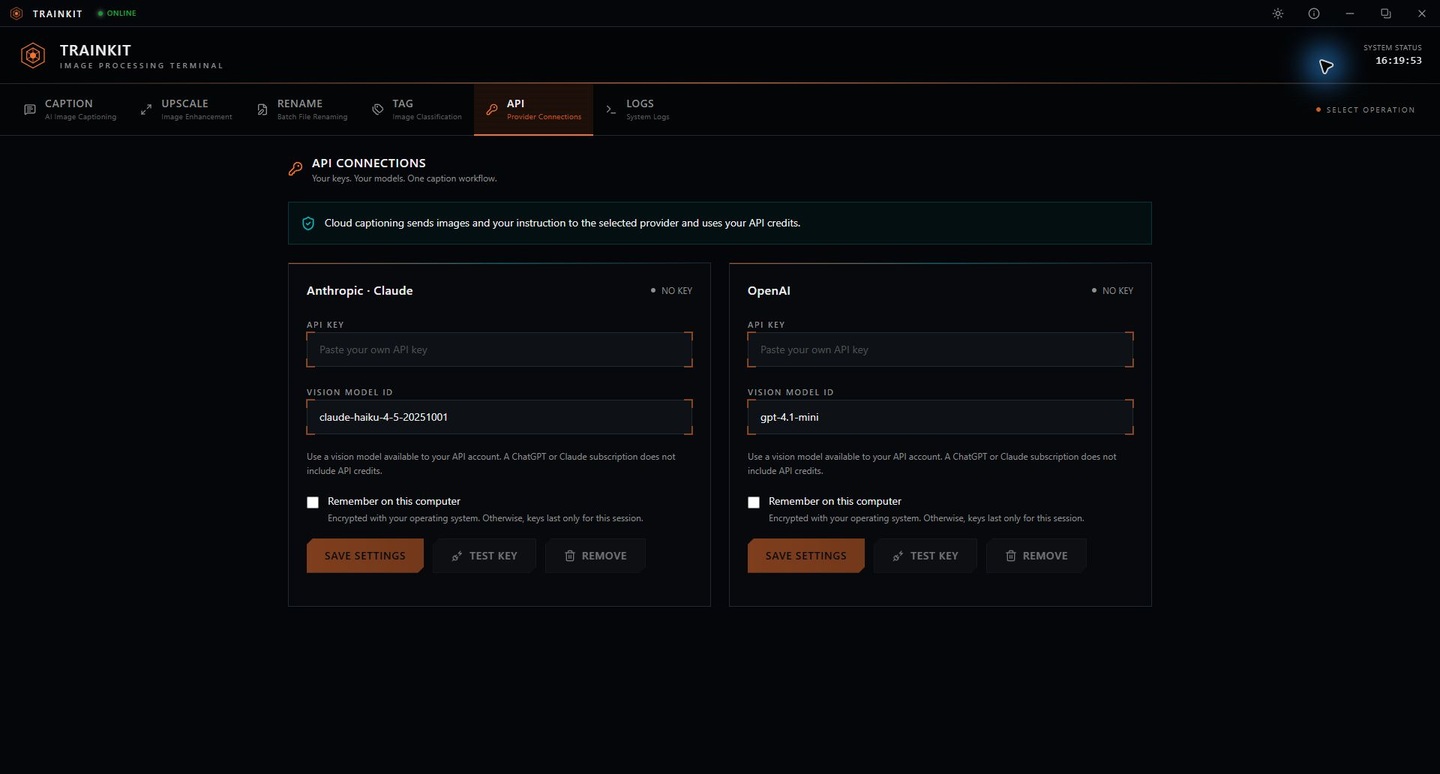
Use local vision models or connect Claude and OpenAI. Cloud requests go straight to the provider; your output files are saved locally.
 TRAINKITImage processing toolkit
1.3.0 Image preparation for AI creators
Caption with Claude, OpenAI or local models. Upscale, tag and organize images for LoRA and other AI training workflows, all from one desktop app.
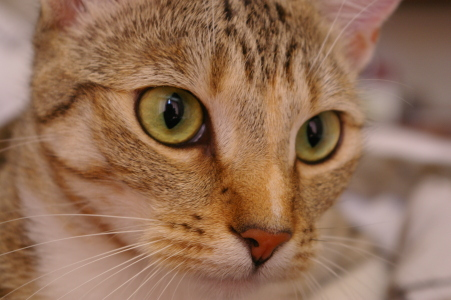
TrainKit turns chelsea.png into chelsea.txt with the caption: a photograph of a cat sitting on a bed.
New in TrainKit 1.3.0
A caption for a character LoRA needs different details than one for a product collection. Tell Claude what to describe, choose an image or a folder, and save a text caption for each image.
Connect your Anthropic API key in TrainKit’s API tab, then select Claude in Caption. You can also use OpenAI or run a local vision model.
See the API workspaceCaption this image for a character LoRA. Describe the pose, clothing, expression, camera angle and background. Return a concise natural-language caption.
Your instruction is applied to each image in the batch.One image or a folder, with your caption instruction.
TrainKit sends a resized image and your instruction directly to Anthropic.
UTF-8 .txt files are saved in your chosen output folder.
Cloud captioning uses your provider’s API credits. Local captioning, upscaling, tagging and renaming run on your computer. How data is handled ↗
Inside the toolkit
Real inputs. Real runs.
Explore the results below.
Use Claude, OpenAI or a local vision model to caption an image or a folder. TrainKit writes a UTF-8 text file for each image. This sample shows a local run with BLIP base.
a photograph of a cat sitting on a bed
BLIP base · prompt: “a photograph of”Download the sidecar ↓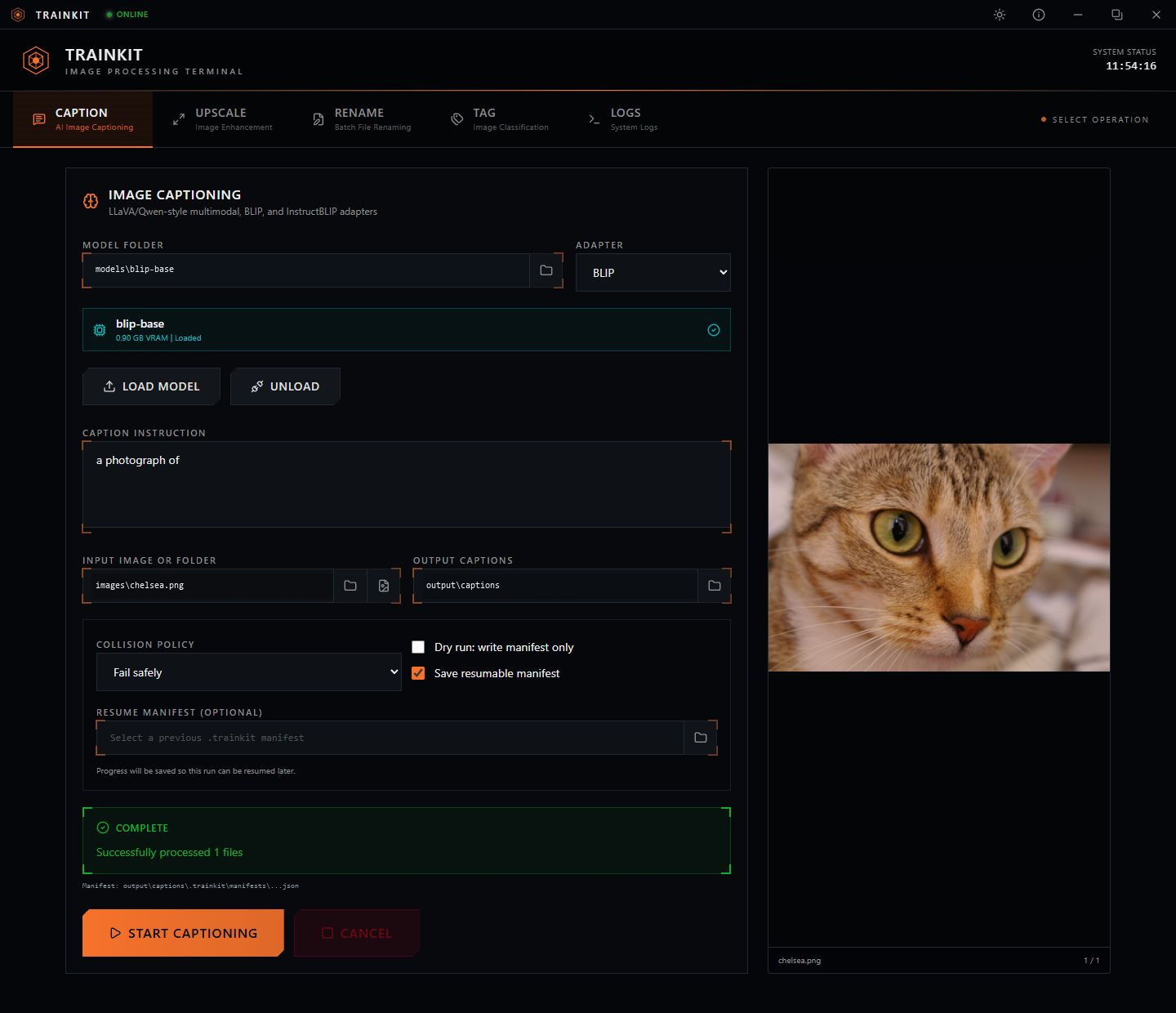
This 128 × 85 image was processed through TrainKit with the NCNN Real-ESRGAN x4plus model. Drag the divider below to compare the input and the actual 512 × 340 result.
The Real-ESRGAN x4plus model upscales a 128 by 85 image to 512 by 340. The animation compares these real input and output files.
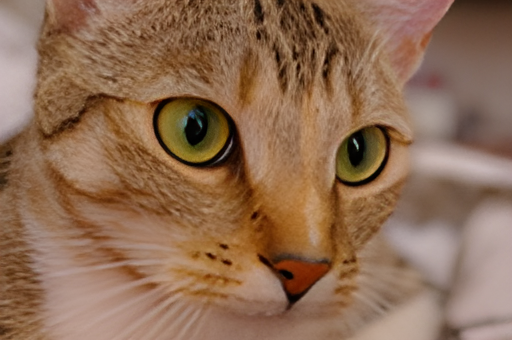
 Input · 128 × 85TrainKit · 512 × 340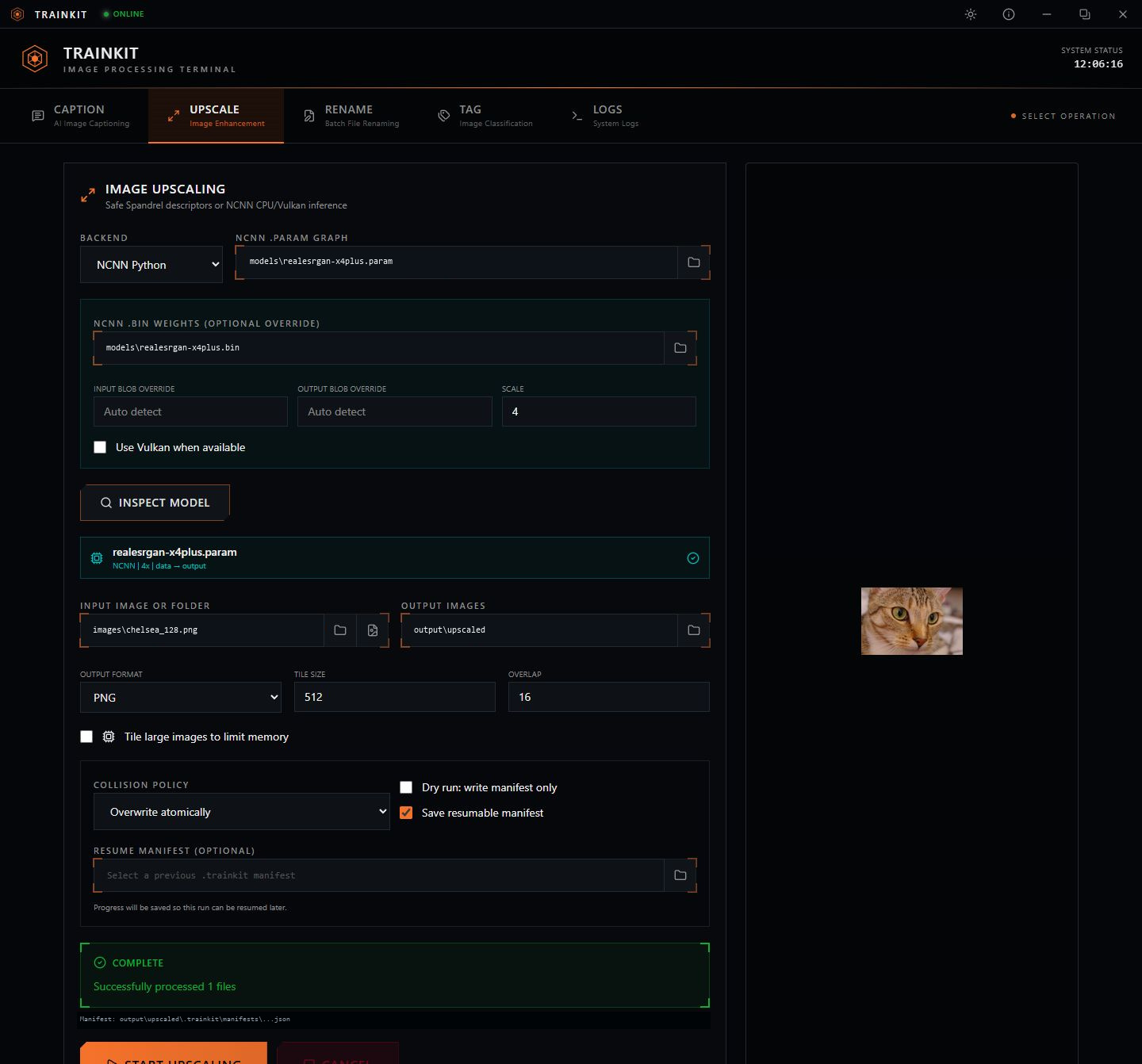
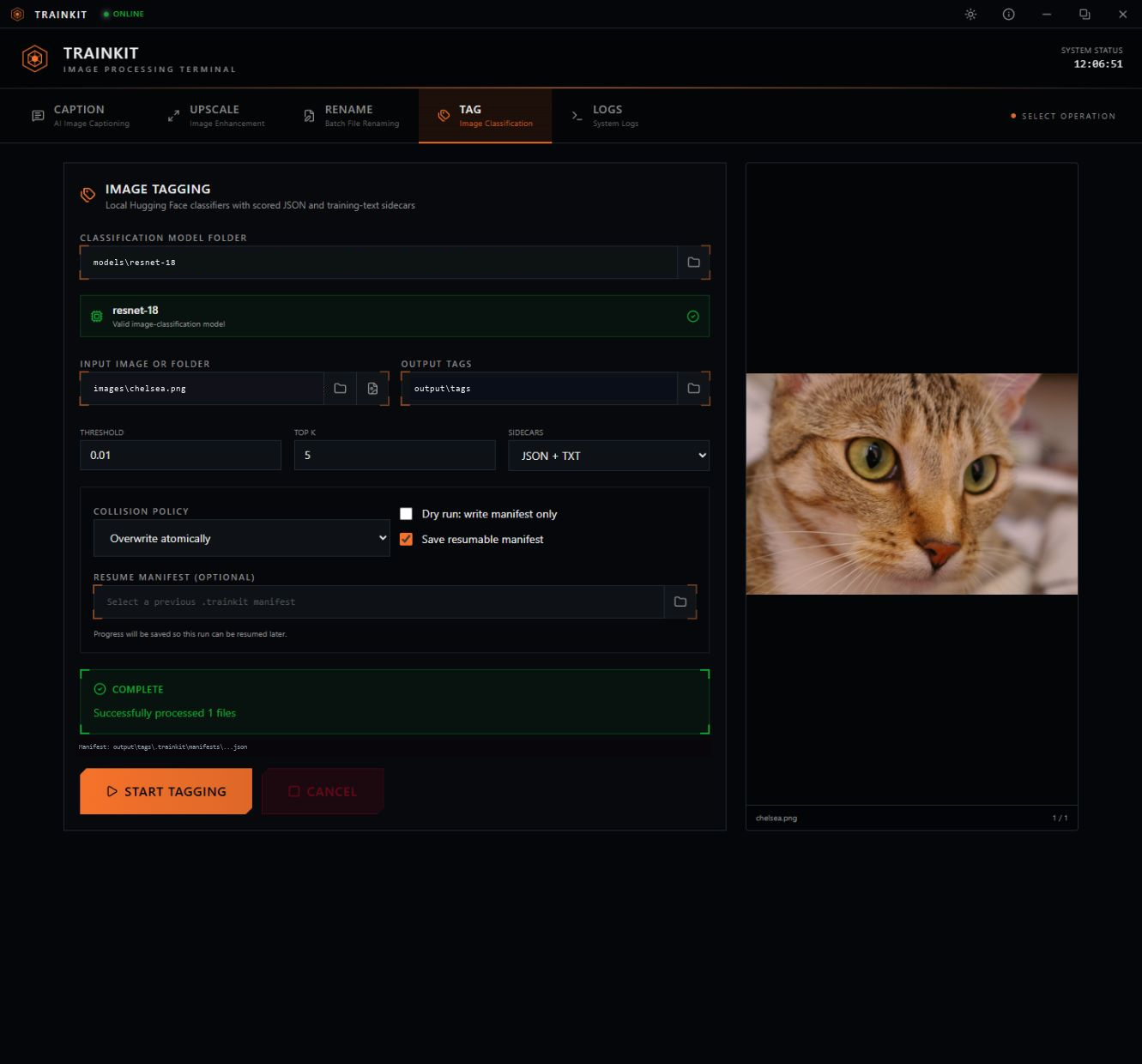
Run a local image classifier, filter by score and choose how many tags to keep. Export text, scored JSON or both. These are the unedited predictions from the sample run.
0.3978840.3945400.203333Scores are this model’s predictions; results depend on the model you choose.
Rename files in natural order, choose number padding and keep the originals. This replay shows the verified mappings from a three-image batch run.
IMG_2.png becomes 001.png, IMG_10.png becomes 002.png, and IMG_23.png becomes 003.png. The original images are preserved.
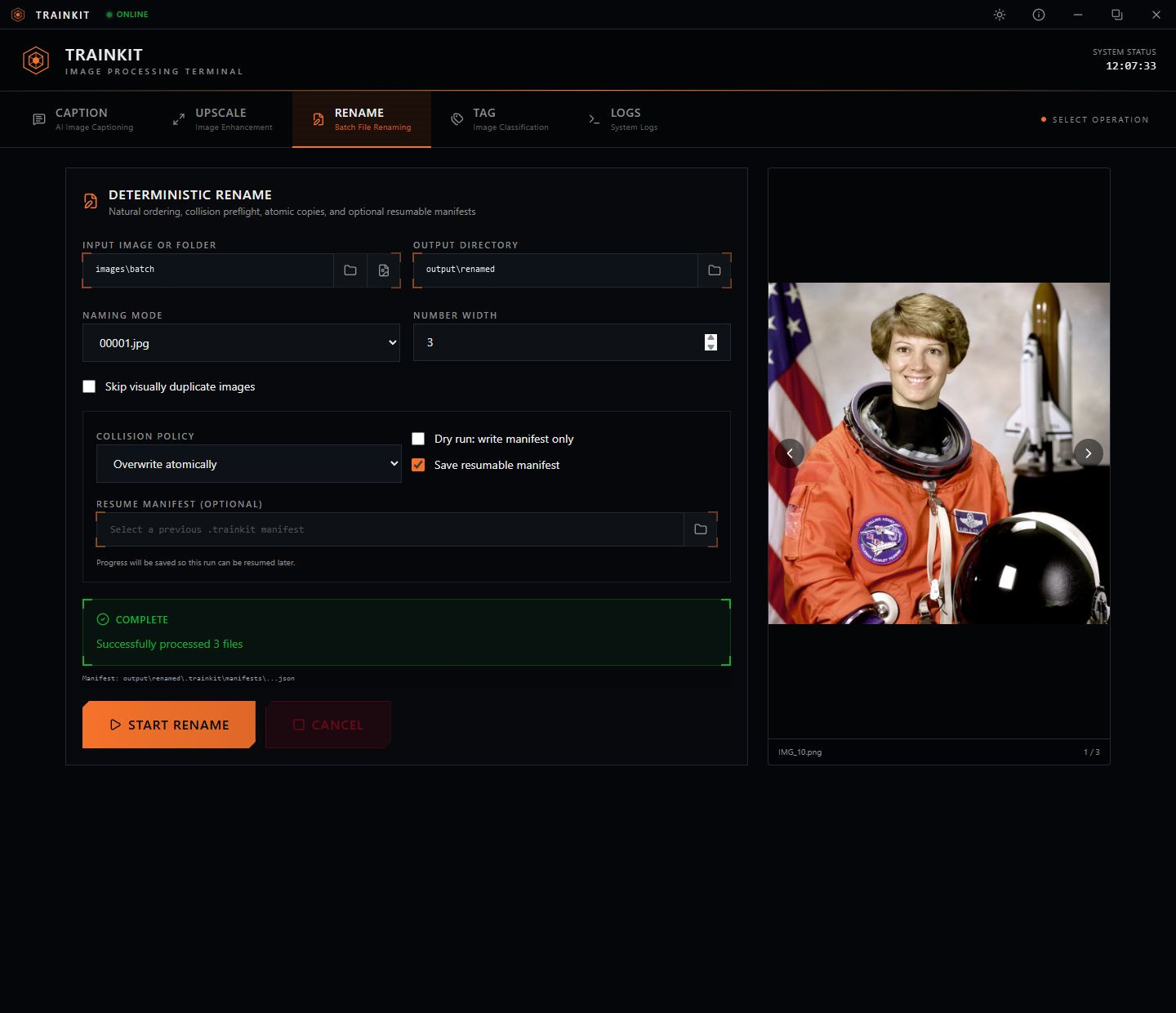
Sample photo: Chelsea by Stefan van der Walt, CC0 via scikit-image. Batch preview photo: NASA, public domain. These local processing examples were recorded with TrainKit v1.2.1.
Keep the control
Batch tools with progress
you can come back to.
Use local vision models or connect Claude and OpenAI. Cloud requests go straight to the provider; your output files are saved locally.
Cancel a run and resume it using a saved manifest. Completed and skipped files keep their progress.
Choose how output collisions are handled, keep track of each file’s status and preserve your original images.
Choose your plan
Pick the tools that fit your workflow.
$0 to download
The open-source desktop app. Run local models or connect your own cloud API key.
Cloud usage is billed by your API provider.
Download Free$25 / month
$240 / year · $20 per month
A customized TrainKit app with account login and hosted image processing.
Install uv and the Visual C++ x64 runtime.
Unzip the release into a writable folder. Open TrainKit.exe and let setup finish.
Connect your Claude or OpenAI API key, or select a local model. Choose your images and output folder, then start a run.
First-launch setup needs internet access and several gigabytes of free space. Local model files are selected separately. An NVIDIA GPU is recommended for local captioning and Spandrel; NCNN supports CPU and compatible Vulkan GPUs. Cloud captioning needs an API account with credits and does not require a local GPU.
Read the installation guide ↗